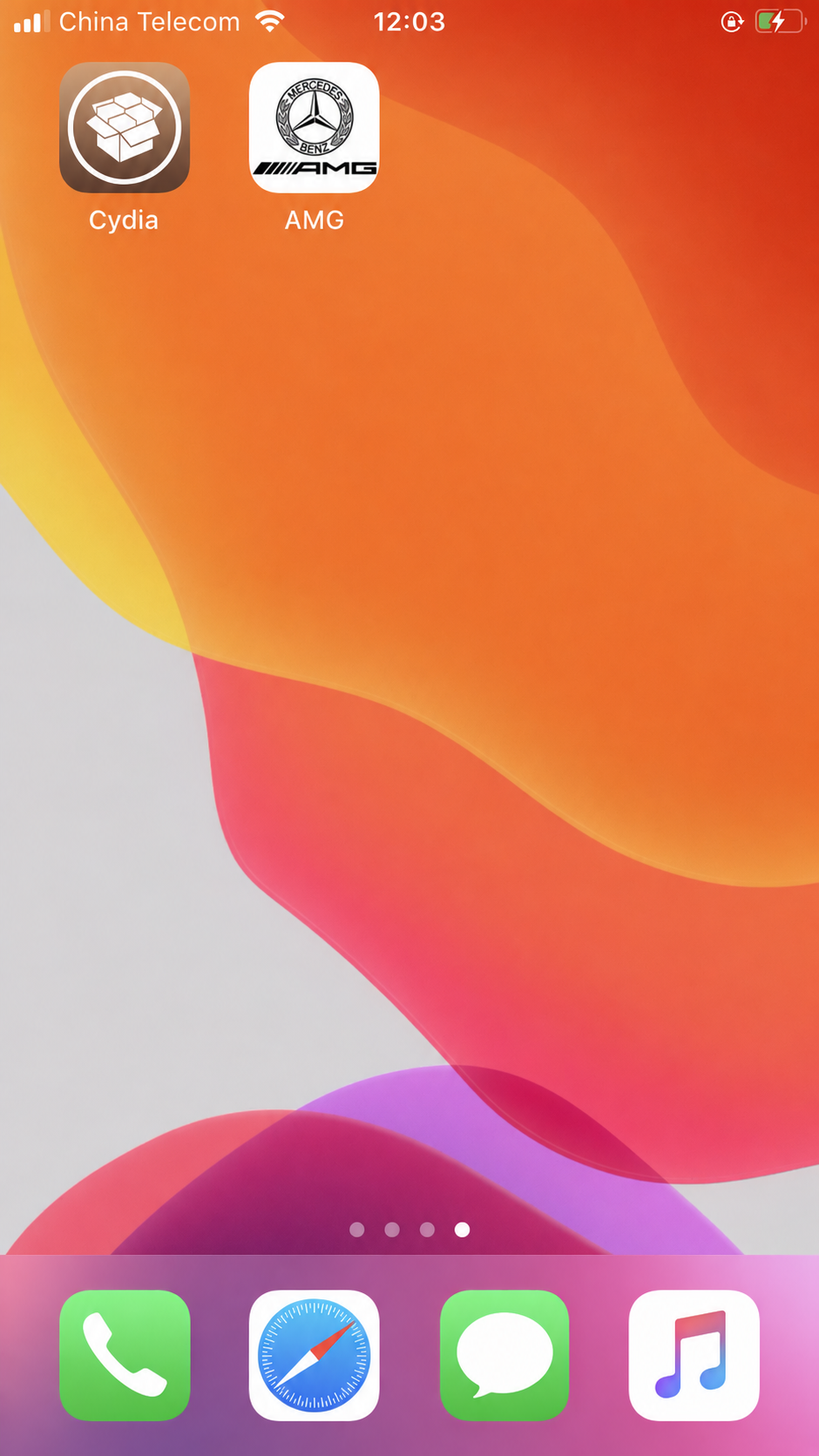
Before you install: Uninstall any other tools that perform the same functions. Installing them together can cause conflicts.
These screenshots are from the original AMG installation guide, with English labels. Select an image to view it at full size.
Add the AMG repository
-
After jailbreaking, open Cydia from the Home Screen.
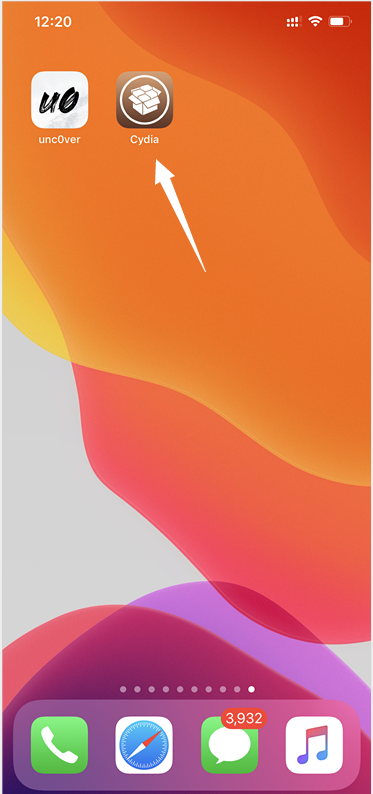
-
Tap Sources at the bottom.
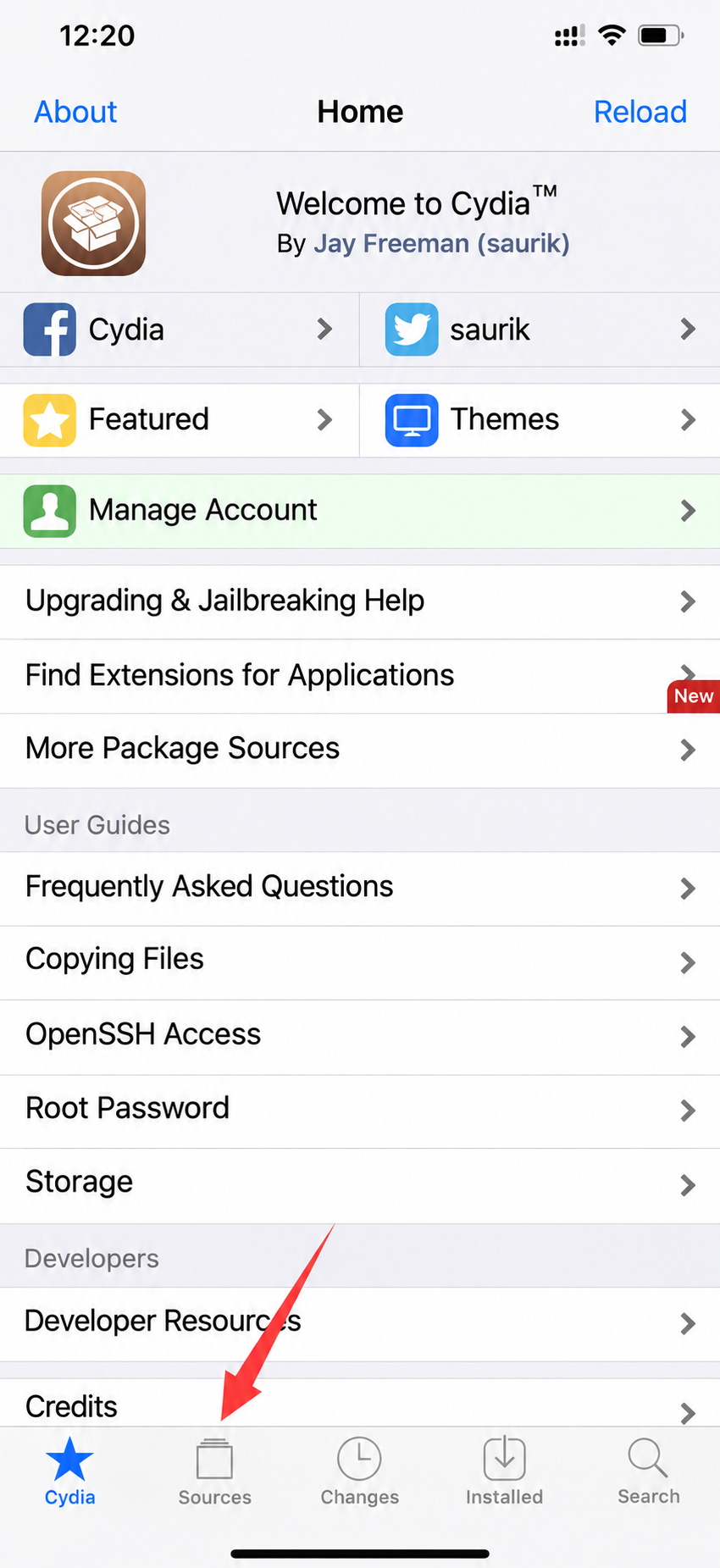
-
Tap Edit in the upper-right corner.
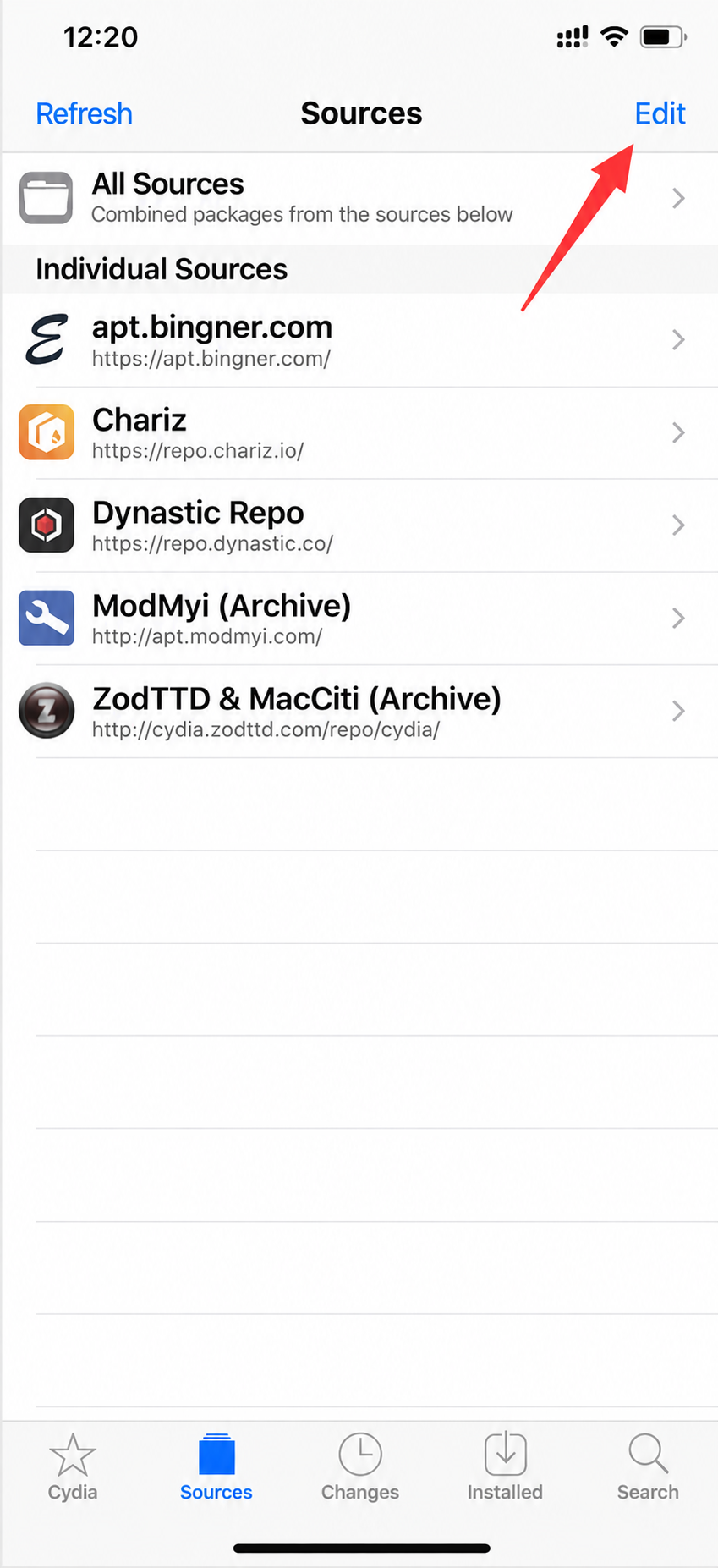
-
Tap Add in the upper-left corner.
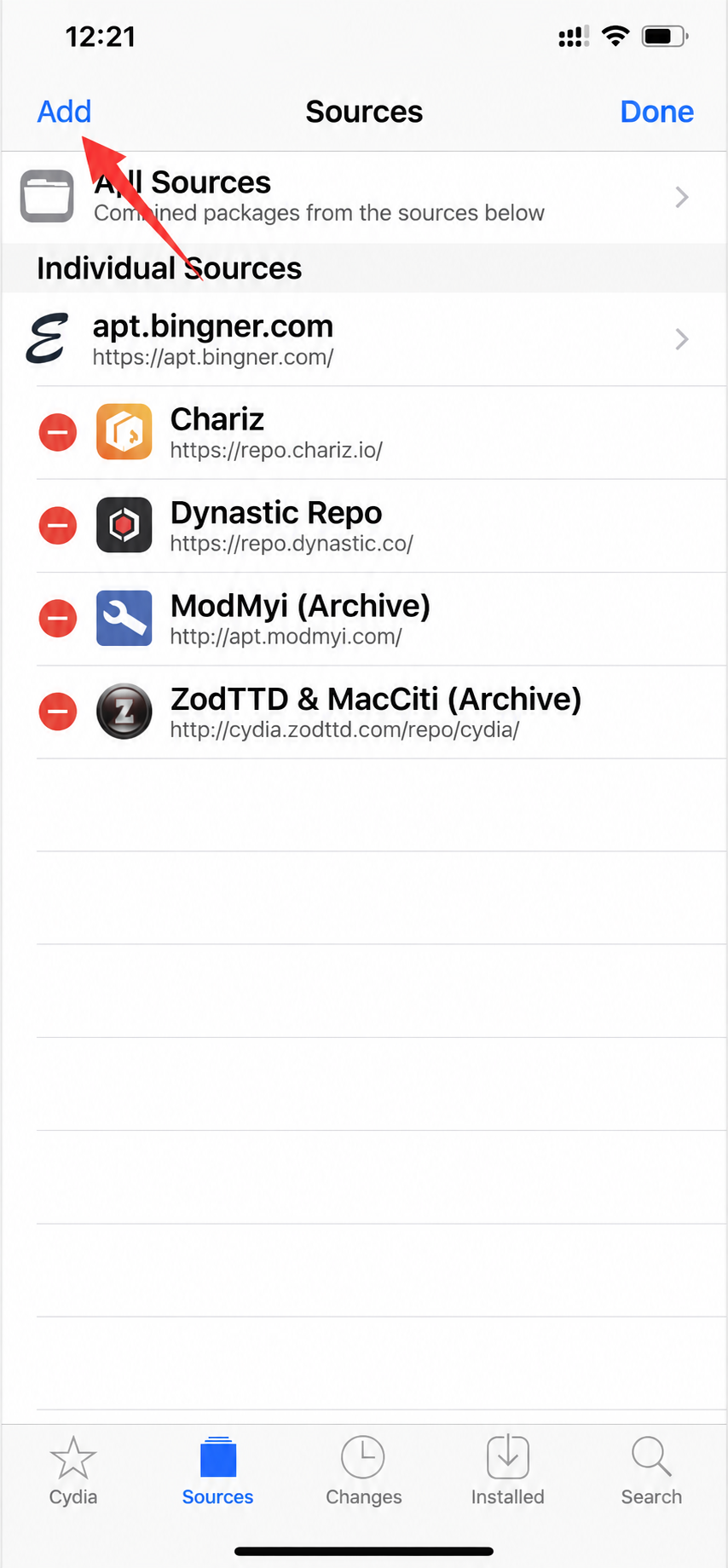
-
Enter
http://apt.amgapp.cnand tap Add Source.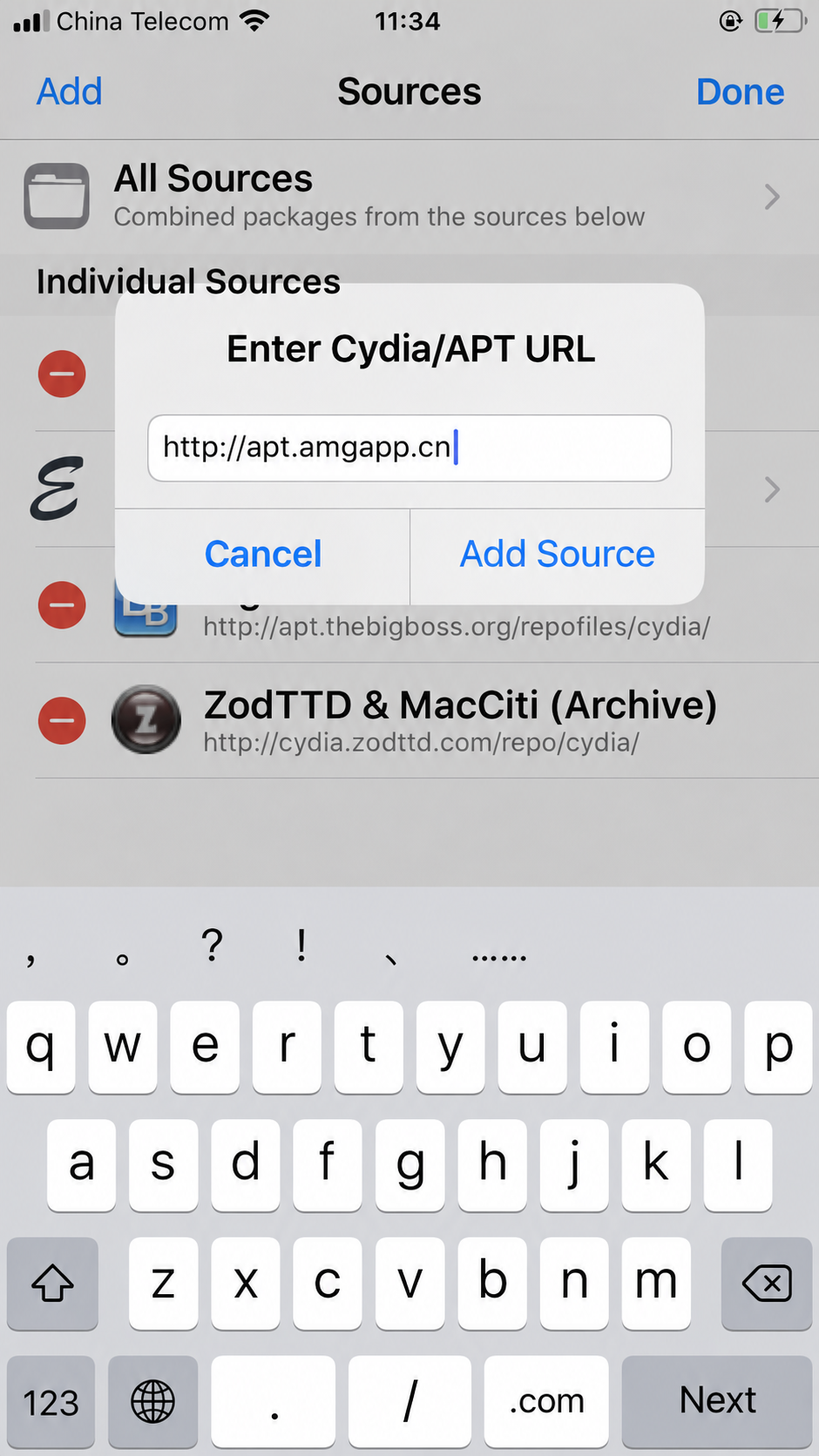
-
Wait for Cydia to refresh its sources. If it stalls, tap Cancel.
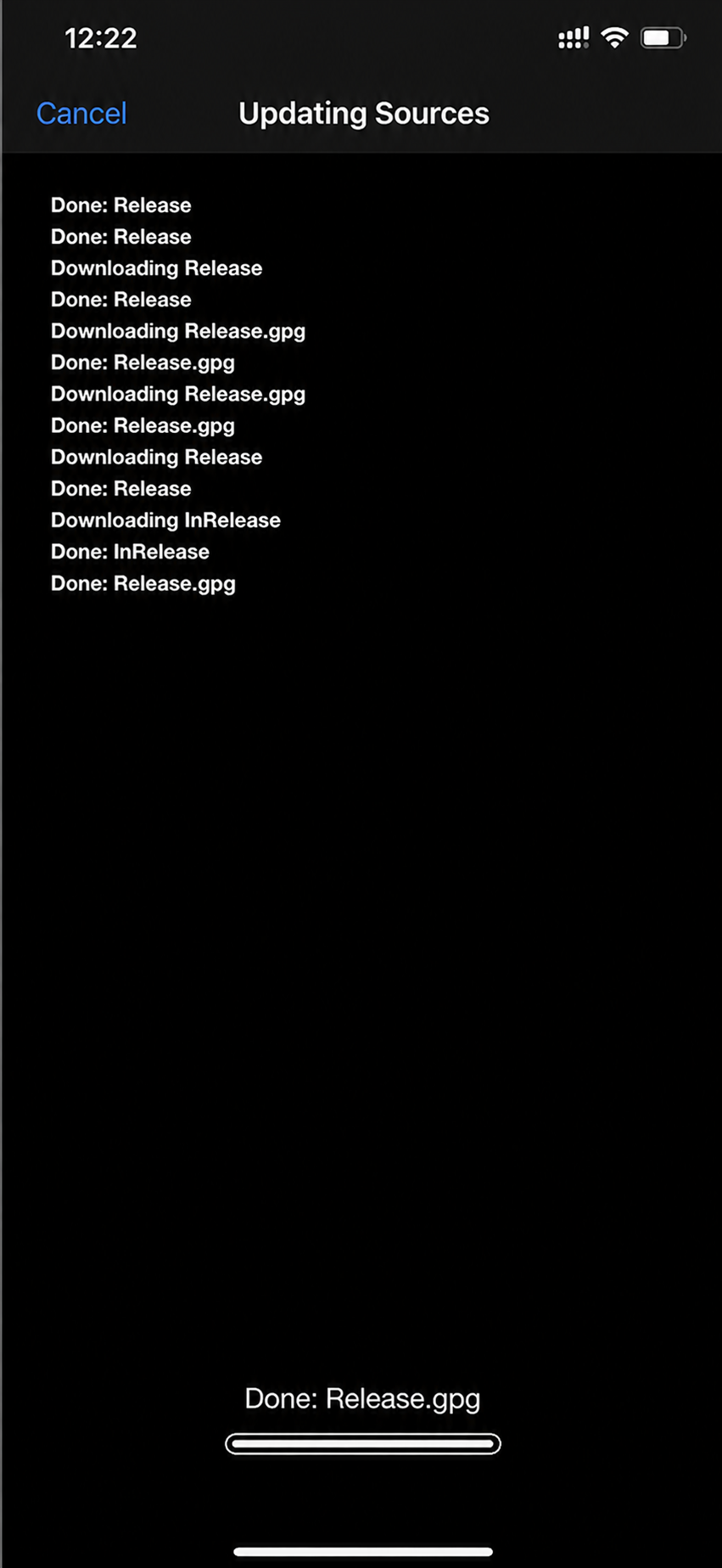
-
When the refresh finishes, tap Return to Cydia.
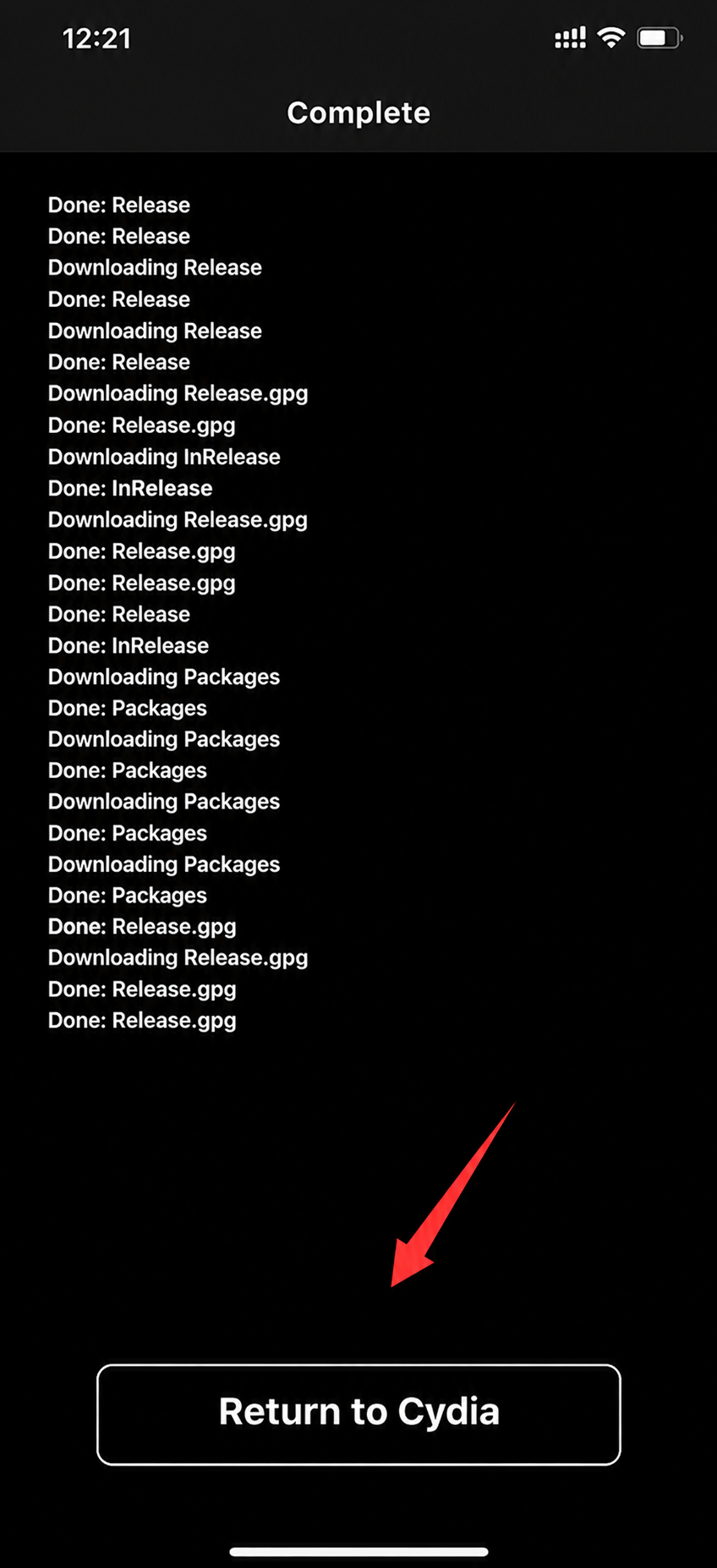
Install the plugin
-
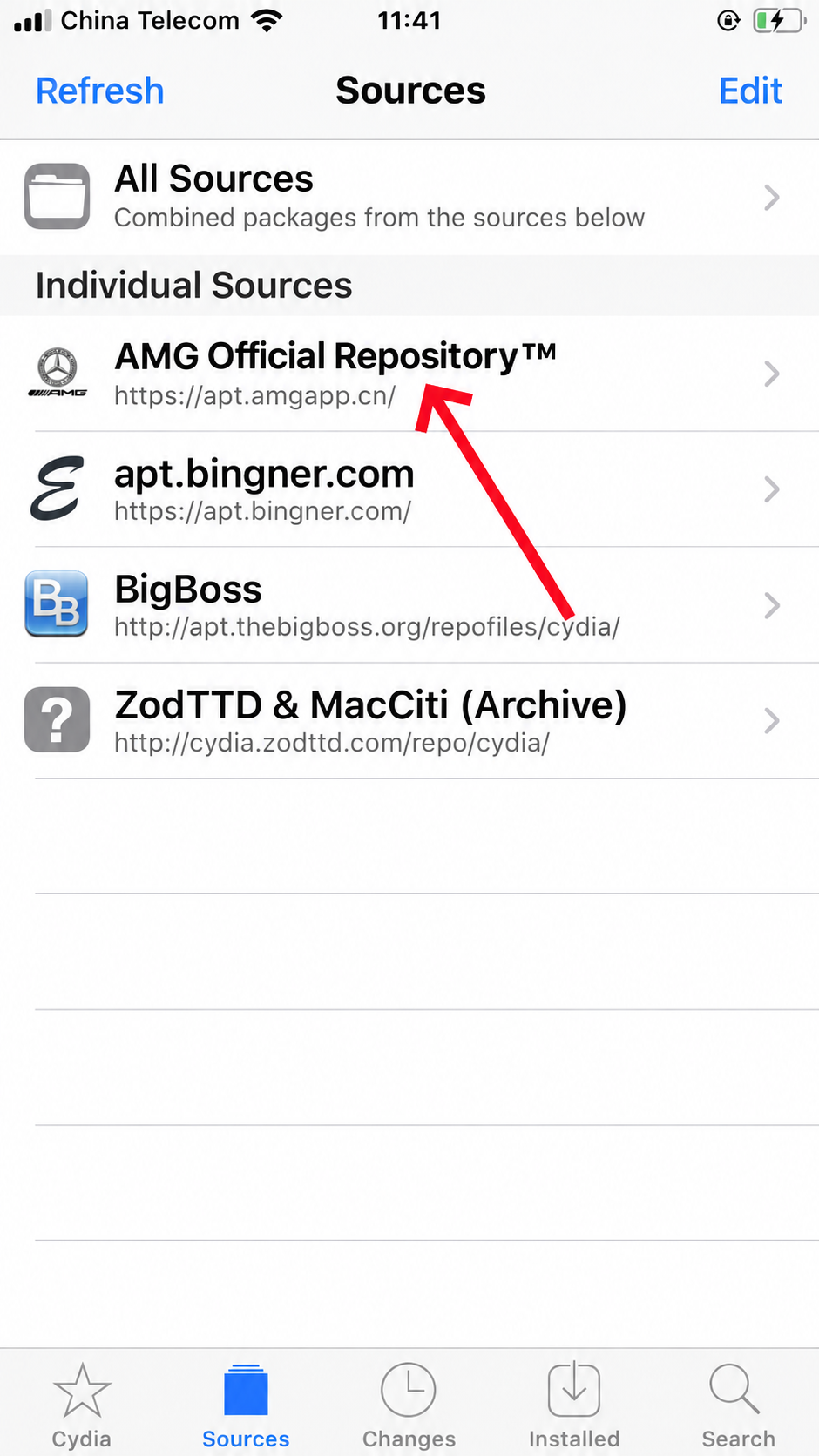
Open AMG Official Repository in Sources.
-
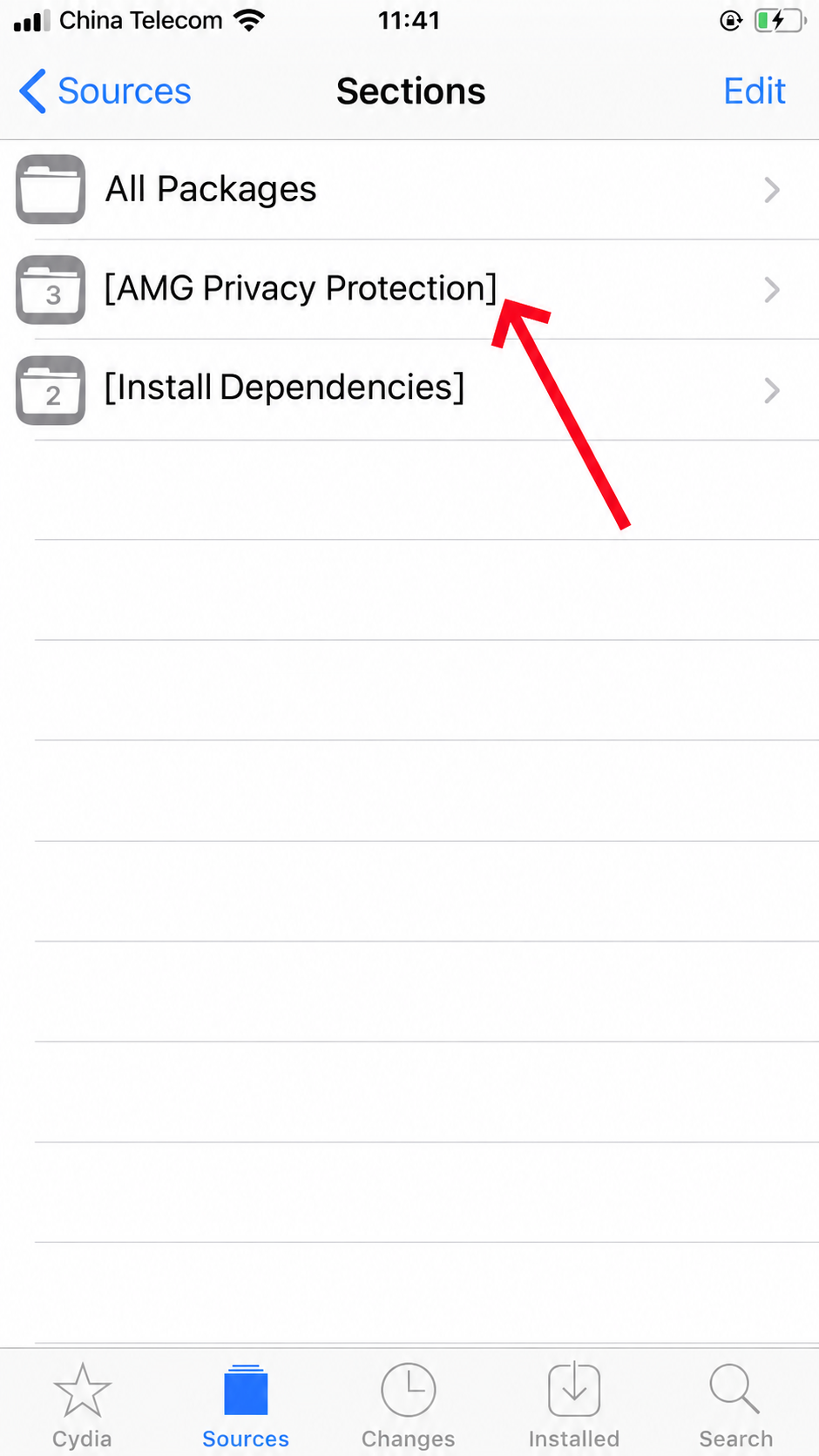
Open AMG Privacy Protection.
-
Find AMG and choose Install.

-
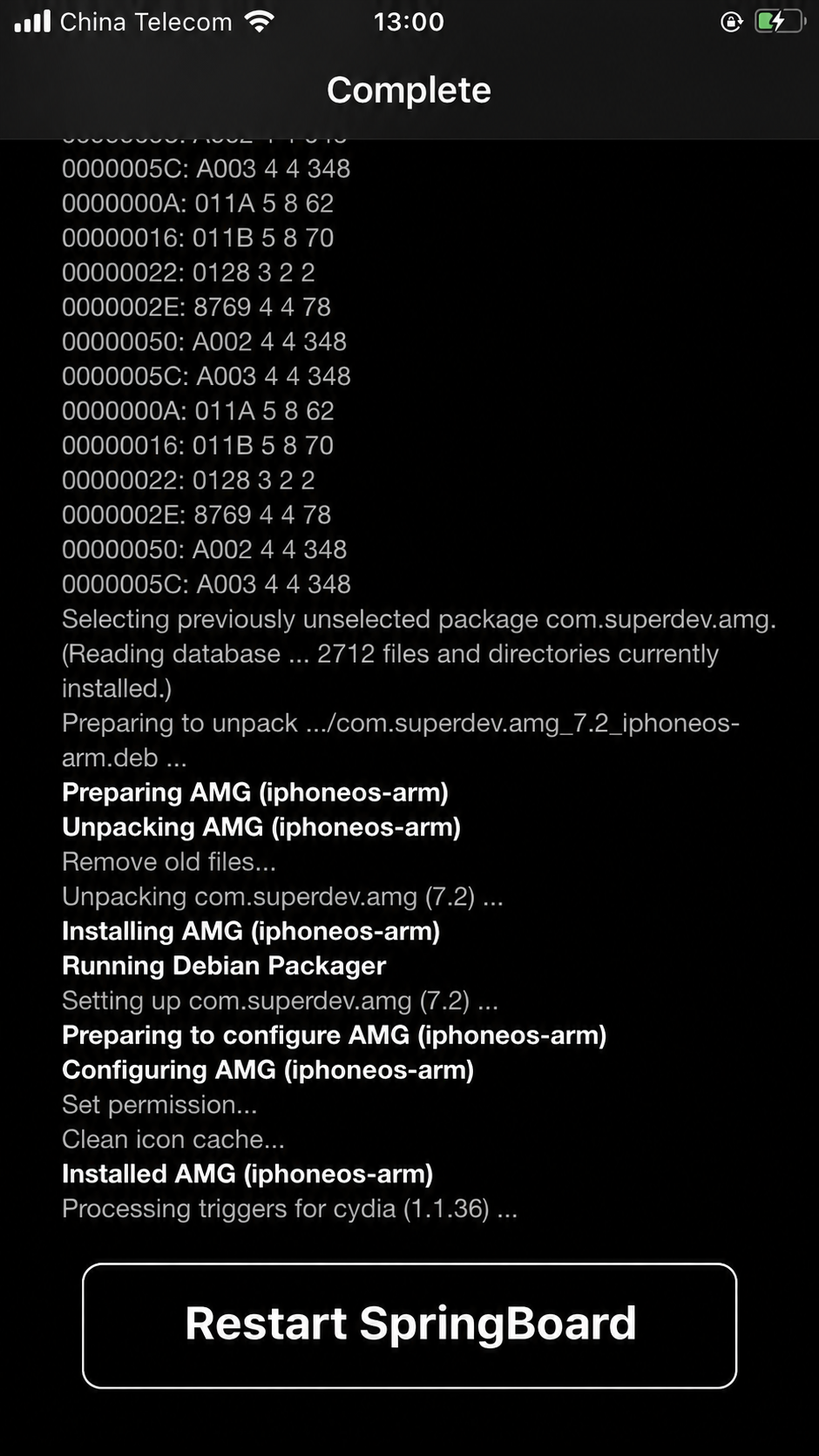
Wait for installation to finish, then tap Restart SpringBoard.
-
Look for the AMG icon on the Home Screen.