
AMGApp reset and
data management
Reset selected apps in one tap, configure device profiles, and back up or restore app data.
For jailbroken iPhone and iPad
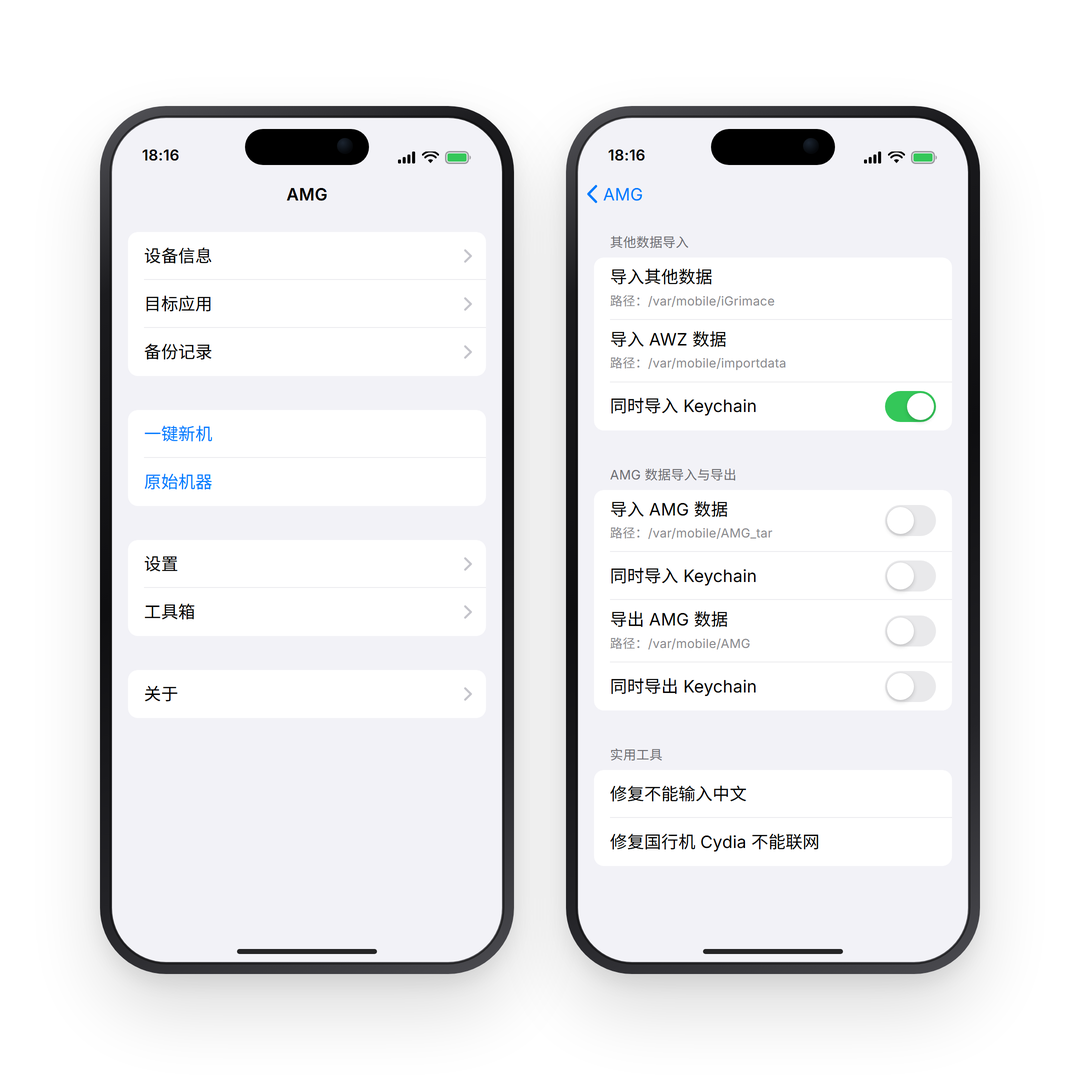
App data and
device profiles
Manage app data, device settings, and backup records. Open a feature for the steps.
See all featuresOne-tap reset and cleanupReset the environment and clear data for selected apps.
- Target Apps
- Select the apps you want AMG to handle.
- Backup Records
- View and switch between saved app data and device profiles.
Device profile and locationConfigure the device model, OS version, network, and location.
- Random settings
- Choose available models, OS versions, network types, and carriers.
- Simulated location
- Pick a location or use the random location and offset options.
Backup and restoreSave app data with its device profile and switch records when needed.
- Import and export
- Use Toolbox to import or export AMG data.
- Restore records
- Select the apps you are restoring and check your available storage.
Installation and guides
Find the instructions you need, from adding the repository to restoring a backup.